Simulate with CutViewer Mill
Simulate with CutViewer Mill will add a menu item to the tools menu that allow to run CutViewer from CamBam.

Informations
| Creator |
Andy Payne |
| Last version / Date |
V 1.2.5729.19324 - date: 08 September 2015 |
| Download plugin | |
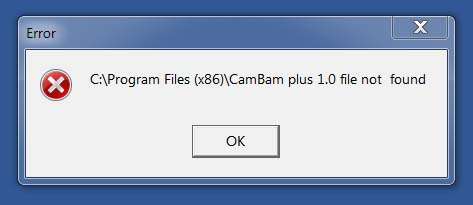
| Documentation | Click on a Simulate with CutViewer in the Tools menu If you receive the following error message, it means CutViewer cannot find the G-code file to simulate either because the G-code was not generated, or because you generated G-code for a specific CAM Part or machining operation. You must generate the G-code for the entire project. If you wish to simulate only a specific CAM Part or machining operation(s), disable the CAM Part or operations you do not want to simulate and generate the G-code for the complete project.
|
| Requirements | CamBam 0.9.8 P, V1.0, Linux version |
| Forum Link |